
Your AI image library may look fantastic, but does it look like your business? When every graphic has a different style, your feed can feel like five brands sharing one account.
An AI image library is more than a folder of generated pictures. It is an organized set of approved visuals, prompts, and usage notes you can reuse in blog posts, social graphics, email campaigns, and AI videos. This saves time and helps people recognize your content.
First, decide what you need your library to support.
Decide What Your AI Image Library Needs To Do
An image library is an organized collection of usable assets, backed by the information needed to reuse them. A folder full of random downloads doesn’t get you there.
Look at your next month of content. Do you need blog illustrations, social backgrounds, explainer scenes, or images you can animate? Build around those recurring jobs.
Separate evergreen visuals from campaign-specific assets. An educational illustration might work for months. An image promoting a limited-time offer has a shorter shelf life.
Think about audience needs, too. Different customer groups may need different subjects or situations, while the visual style stays familiar.
Set a manageable starting goal, such as ten approved images covering your most common topics. That’s a practical starting point, not an industry requirement.
Give each image a clear job. If you can’t identify where you’ll use it, don’t generate it yet. Your storage folder doesn’t need another decorative mystery.
Define The Visual Rules For Your AI Image Library Before Generating
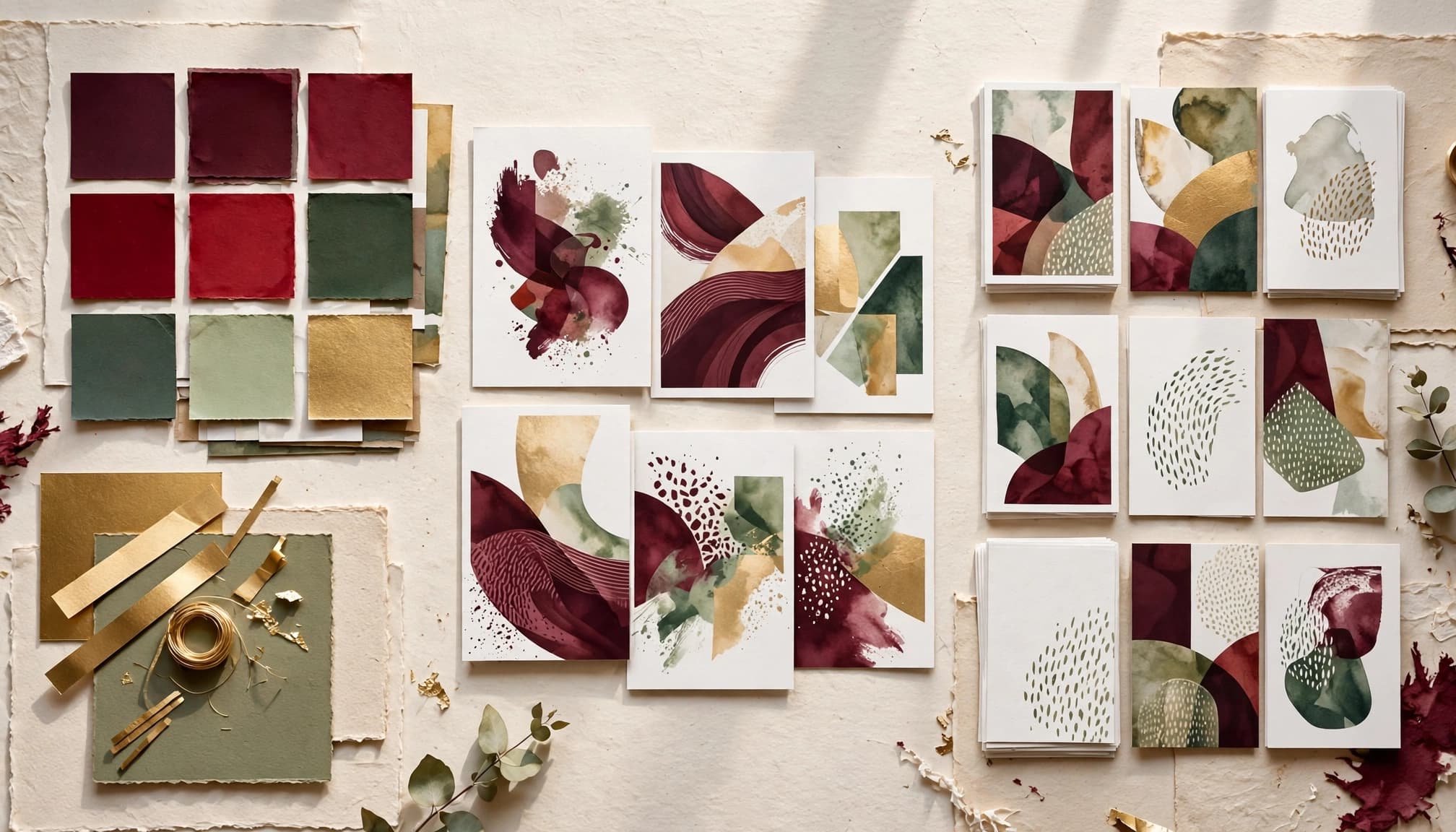
Choose the details that stay consistent in your AI image library
Write a one-page visual guide covering colors, image style, lighting, backgrounds, and composition. Choose rules you can describe clearly. These rules give your AI image library a consistent look across different subjects and formats.
For New Horizons 123, the palette includes deep burgundy (#6B1727), gold (#F7CC5F), and green (#68A868). Those colors can guide accents without turning every image into a three-color explosion.
Decide whether your core style is illustration, realistic imagery, or another defined treatment. Specify where you need open space for headlines.
The SBA visual identity standards organize guidance around logos, colors, images, and fonts. Your business can document the same categories without producing a giant brand manual.
Save examples that show the rules
Create a small reference collection of approved images. Choose examples that show your preferred lighting, framing, subject treatment, and mood.
Use images you created or have permission to use. A competitor’s campaign shouldn’t become your unofficial reference library.
New Horizons 123’s guidance on consistent visual style suggests keeping three to ten approved examples. Treat that as a useful starting range.
Add a brief explanation beside each reference. “Soft backgrounds with room for copy” gives you something repeatable. “I like this one” leaves too much room for guessing.
Build a Repeatable Prompt Workflow for Your AI Image Library

Keep a reusable prompt foundation
Save a base prompt containing your permanent visual rules. Then change the subject and intended use for each request.
Include the subject, setting, composition, style, lighting, and exclusions. State how many people or objects should appear. Leave space for copy when needed.
A starting prompt could read:
Create an editorial illustration of organized campaign assets on a studio shelf. Use burgundy accents, warm daylight, and simple backgrounds. Leave open space on the right. Show no people. Include no readable text, logos, or watermarks.
The guide to brand-ready AI image prompts explains how purpose, audience, and platform belong in the brief. Save that context with your visual instructions.
Change one thing at a time
Generate a small batch and compare the results with your approved references. Pick the closest match before requesting refinements.
Adjust one variable at a time, such as background detail or lighting. Changing everything makes it harder to understand what improved the result.
Keep the successful prompt with the approved image. Also record the tool and model version when available.
Reference-image features can help when your tool supports them, but they’re not a guarantee. Reusing a prompt won’t always produce matching results, either.
Check every new batch. AI can follow your direction and still bring an unexpected extra chair to the party.
Choose Tools Without Collecting Subscriptions
Before buying another app, check what your current tools already offer. You may already have image generation, editing, templates, or useful storage features.
Choose one primary generator and one editing tool for your initial workflow. Canva or Adobe Express can handle finishing work such as adding approved logos and headlines.
Keep essential branding outside the generated image when possible. Adding your actual logo afterward gives you control over its appearance.
Adobe GenStudio’s brand guidelines describe using brand, product, and audience information to guide generated content. Apply that principle with the tools you already have.
Test a new tool against a real need, such as better reference-image handling. Track how long it takes to produce an approved asset. Also compare whether it helps you build a consistent AI image library, not just create one attractive result.
The useful cost comparison includes your editing time and rejected outputs. A shiny feature earns its place by solving a problem.
Review Images Before They Become Approved Assets
Check quality and brand fit
Review the image at its intended publishing size. Look for distorted objects, extra fingers, strange shadows, awkward crops, and distracting backgrounds.
Compare it with your reference collection. Does the color treatment fit? Is the mood right? Will the subject remain clear when the image appears small?
Add headlines and logos in your design tool, then check their placement and contrast. Write alt text that describes the image’s purpose in context.
Give yourself permission to reject attractive images. A beautiful graphic can still be wrong for your business.
Check truthfulness and usage risks
Review realistic images for misleading details. Don’t present an invented customer, facility, or product result as evidence of something that happened.
Check permissions for reference images and recognizable people. Avoid accidental trademarks and copied packaging. For a fuller pre-publication review, use the AI Brand Safety Checklist Before You Publish Generated Visuals.
Commercial-use permission and copyright protection are different questions. The U.S. Copyright Office’s AI guidance explains that copyright protection depends on sufficient human-authored expression.
Check your generator’s current terms before commercial use. Get legal advice when a campaign involves uncertain rights or high-stakes claims. A polished image doesn’t remove those risks.
Organize Your AI Image Library so You Can Find Things
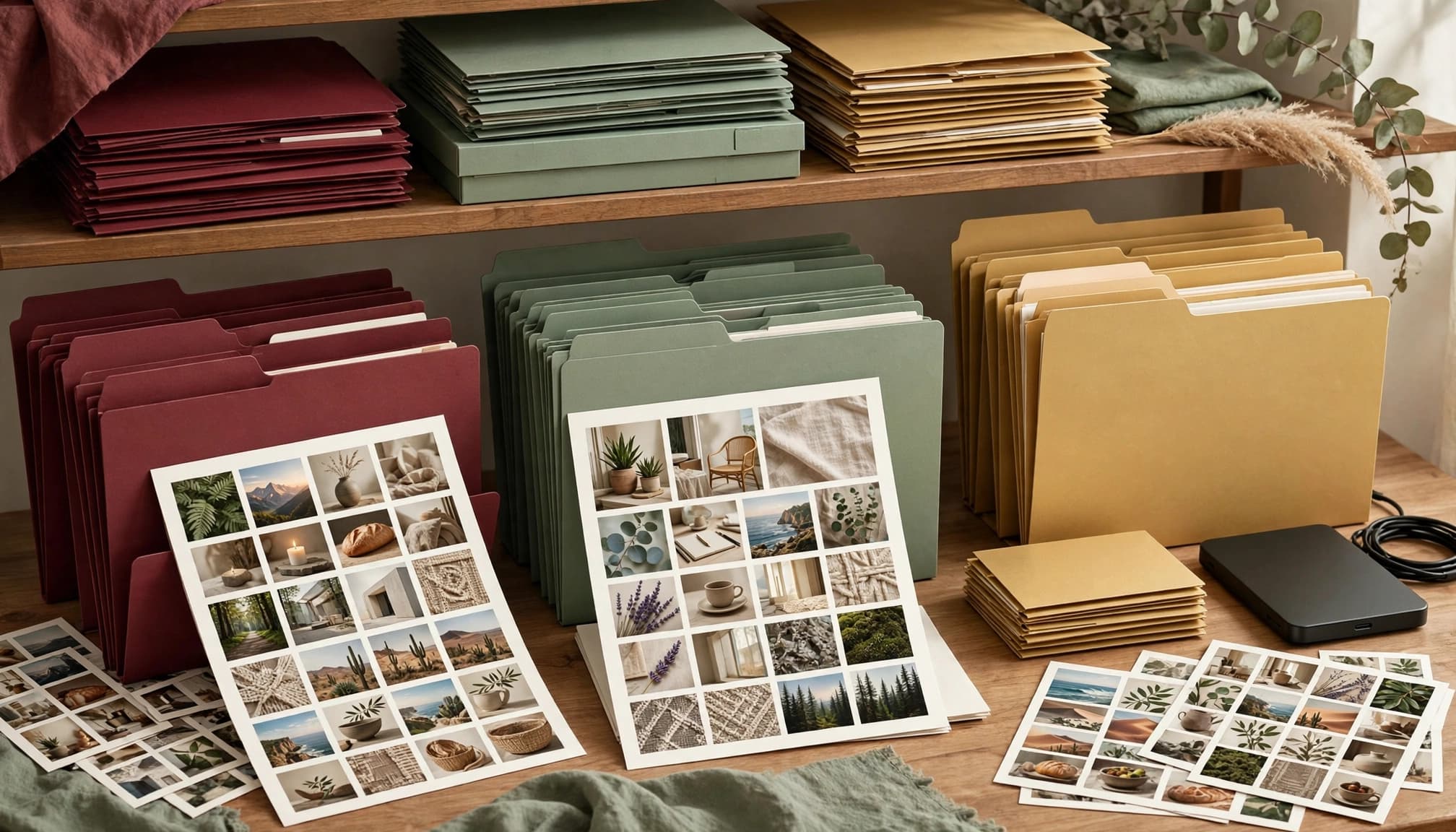
Separate working files from approved assets
Use folders for drafts, approved originals, publishing versions, and retired assets. Keep campaign folders separate when that makes retrieval easier.
Name files with meaningful details: topic, campaign, layout, version, and approval status. A name such as “brand-library-education-wide-v02-approved” tells you more than “final-final-new.”
Preserve the original approved image before making crops or adding copy. Store each publishing version beside it or link them in your asset record.
Google Drive or Dropbox can work for a small team. Give publishing access to approved folders so nobody grabs yesterday’s rejected draft.
Store the information behind each image
Keep a simple spreadsheet with the filename, prompt, generator, creation date, reference source, intended use, and approval owner.
Record human edits and any usage restrictions. Note where the image has appeared so you can avoid repeating it too often.
RightBlogger’s AI image copyright audit separates permission, copyrightability, and campaign safety. Keep those questions distinct in your records.
Store the applicable terms or their dated reference with the asset. Back up the library, including prompts and records.
You shouldn’t need to reconstruct an image’s history when a client asks where it came from.
Reuse Approved Images in AI Videos and Campaigns
Your AI image library can support animated explainers, blog-to-video content, and AI-generated short videos. Start with approved visuals instead of inventing a new style for every project.
For more examples of how businesses use visuals in marketing, see 9 Ways AI-Created Visuals for Business Help Brands Stand Out.
Plan composition around the intended placement. Wide images suit some blog layouts, while tall compositions may work better for vertical content. Check the destination’s current requirements before exporting.
For image-to-video work, favor clear subjects and uncluttered backgrounds. Inspect the generated motion for distorted objects and shifting details.
If you use a recurring mascot or character, save approved reference views and descriptive details. Guidance on AI character consistency can help you keep that character recognizable.
Create audience-specific versions by changing relevant subjects or settings while preserving your visual rules.
Review the collection monthly. Retire outdated offers, archive weak assets, and expand categories you use often. Let actual content needs guide the next batch.
Key Takeaways
- Define your visual rules and save approved references before generating new batches.
- Reuse successful prompts, but review every output for quality, accuracy, and brand fit.
- Store approved images with their prompts, edits, permissions, and publishing history.
AI Image Library FAQs
How many images should a small business start with?
Start with enough approved images to cover your recurring content needs. Ten is a manageable first project, not a universal target. Add assets when a real publishing need appears. Keep your visual references separate from the broader collection of finished images.
Can I use more than one AI image generator?
Yes, but give each tool the same visual guide and, where supported, approved references. Compare results before adding them to the library. Different generators may interpret identical instructions differently, so expect some adjustment rather than automatic matching.
How do I keep brand colors accurate?
Describe the palette during generation, then compare the output with your approved colors. Color instructions don’t guarantee exact matching. Use your design tool to apply precise colors to logos, text, borders, and other editable brand elements.
Should I regenerate an image every time I publish?
Reuse approved images when they still fit the message and haven’t become repetitive. Create fresh assets for gaps, new topics, or changed offers. Keep the original and review any new crops or edits before publishing.
Build a Library You Can Use With Confidence
Start with one upcoming campaign. Choose a small set of images, apply your visual rules, and approve each asset before publishing. Save the prompt, edits, and usage notes with the finished files.
As you review and reuse the collection, you’ll build a reliable starting point for future content. Add images when you clearly need them, and retire assets that no longer fit your brand.

As a Visual Digital Marketing Specialist for New Horizons 123, Julie works to grow small businesses, increasing their online visibility by leveraging the latest in internet and video technologies. She specializes in creative camera-less animated video production, custom images, content writing, and SlideShare presentations. Julie also manages content, blog management, email marketing, marketing automation, and social media for her clients.


0 Comments